
learnings
Learnings are how you track your research, reading, and knowledge gathering in groovmint. Where Tasks are about getting things done and Habits are about showing up consistently, Learnings are about growing your knowledge and skills within a Groov. Use learnings to track things like: articles you've read, courses you're taking, books you're studying, or research you're conducting for a project.
Every time you log a learning that's linked to a Groov, it earns 0.5 momentum points for that Groov. Each press of the Log Learning button is one log - so the more you research and record, the more your momentum builds.
Creating a new learning
To create a new Learning, click the New Learning button. You'll find it above the Learning component, or in the Quick Access menu at the top of the dashboard.
Setting up your learning
Learning Name
Give your learning page a name that reflects what you're researching or studying - "UX Research", "Python Basics", "Recipe Development", "Client Brief Notes".
Groov
Link this learning to a Groov so it contributes to your Momentum Score.
Category
(optional)
Assign a category to help group and filter your learnings across the dashboard.
Related Tasks
(optional)
Link this learning to a relevant task. Once linked, the learning will appear in the Learnings tab on that task page, keeping all related knowledge in one place.
Info
(optional)
A note field for any additional context about this learning page.
Logging a learning
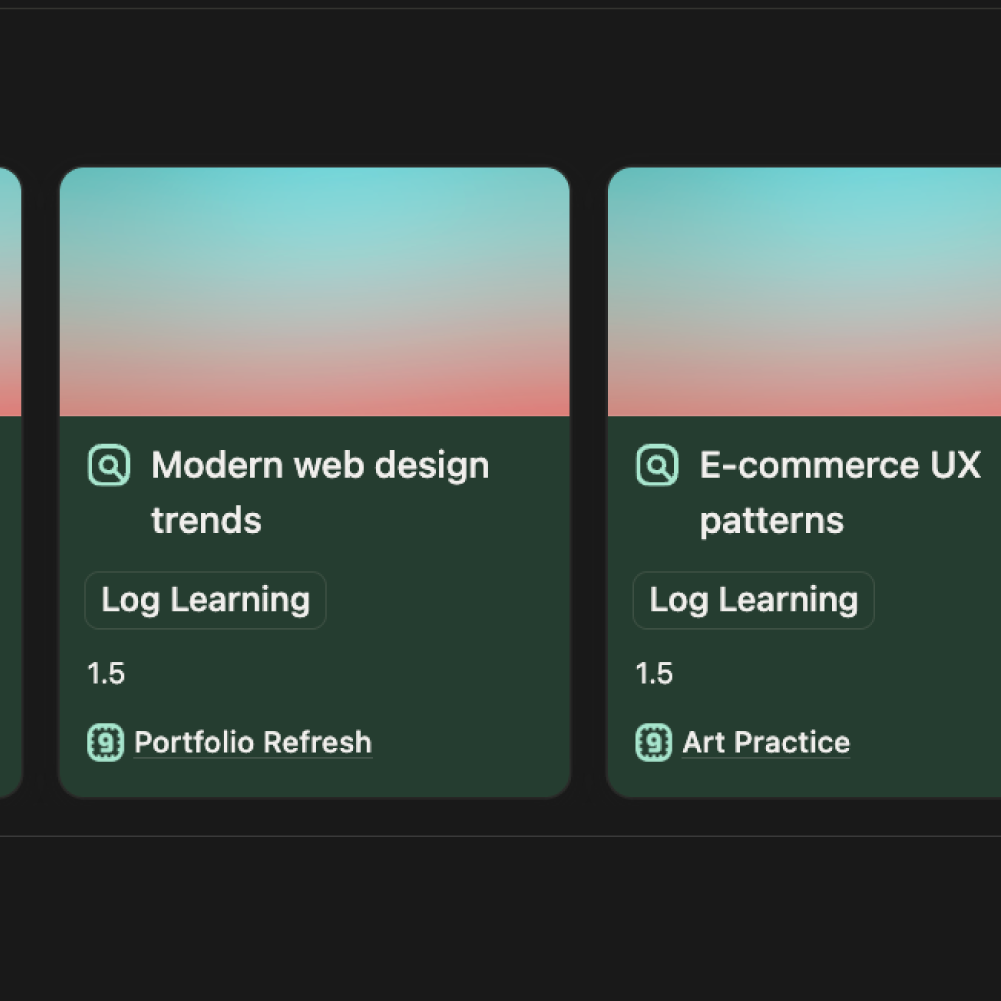
To log a learning, press the Log Learning button on the Learning page. Each press records 0.5 momentum points towards your linked Groov.
You decide what counts as one log - it might be 30 minutes of focused research, a chapter read, a video watched, or a set of notes completed. The key is to be consistent in how you define the value of one log within each Groov so your momentum data stays meaningful and comparable over time.
Learning is self-scored by design.
groovmint doesn't try to measure the depth or quality of your learning - that's impossible to do fairly across different types of knowledge work. Instead, it trusts you to decide what constitutes meaningful progress. A dog walker researching animal behaviour earns the same points as a developer studying a new framework. That's intentional.
Using the learning page
The Learning page is also your knowledge base for that topic. Use it to store everything related to what you're learning:
- Notes and summaries
- Links to articles, videos, or resources
- Key takeaways
- Reference material including links or downloaded materials
Everything lives in one place, attached to the Groov it belongs to. When you come back to a topic weeks later, all your research is right there waiting for you.
Learning dashboard view
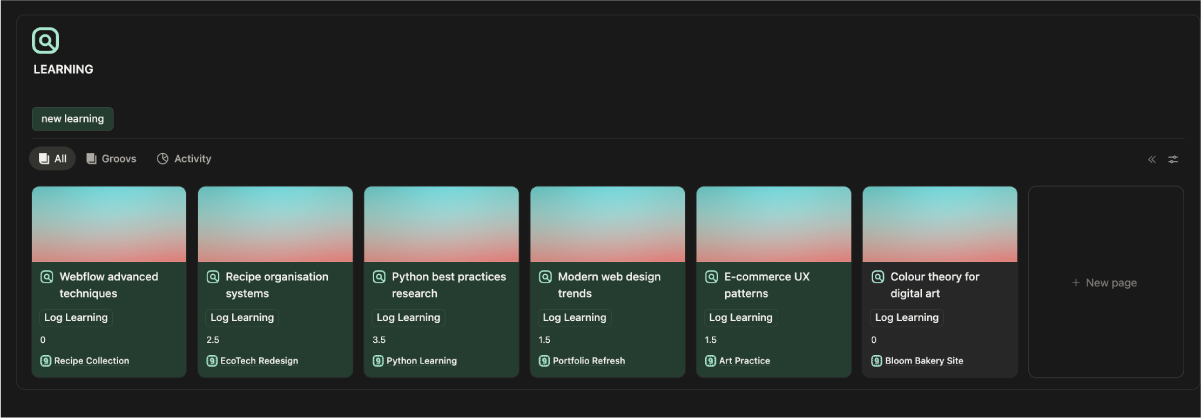
Your Learning component on the dashboard shows all your learning pages as cards, grouped by Groov. Each card shows the learning name, its linked Groov, and a Log Learning button so you can log directly from the dashboard without opening the full page.
The Learning component has views across the top:
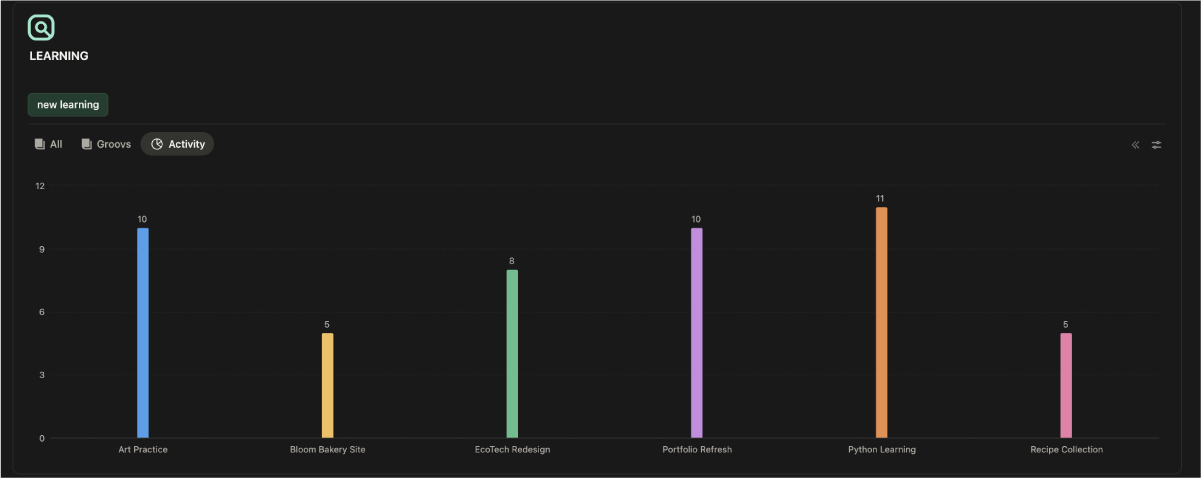
All
Shows every learning page across all Groovs
Groovs
Groups your learnings by Groov so you can see everything within each area of focus
Activity
Shows your recent logging activity
Link learnings and tasks
Learnings and Tasks can be linked to each other, which is one of the more powerful combinations in groovmint. When you're working on a task that requires research, you can link the relevant learning pages to it. The task's Learnings tab will then show only the learnings connected to that task - so when you open the task, all your research is right there alongside it.
Get the most from learnings
- One page per topic, not per session. Create one Learning page for "Python Basics" and keep logging to it over time, rather than creating a new page every time you study. Your notes build up in one place and your momentum accumulates on the same page.
- Be consistent with what counts as a log. Decide upfront what one log means for this learning - half an hour, one chapter, one resource reviewed - and stick to it. Consistency makes your momentum data trustworthy.
- Use it as a proper knowledge base. Don't just log and leave the page empty. Add your notes, paste in links, write summaries. The more you put in, the more useful it becomes when you revisit it.
- Notes and summaries